
Pomodoro timer for Windows
A calmer Pomodoro timer for Windows.
Keep the countdown in your system tray, move into clean breaks, and understand your focus rhythm — without sending the day off your PC.
Free download · Local-only data · No account required
Why it exists
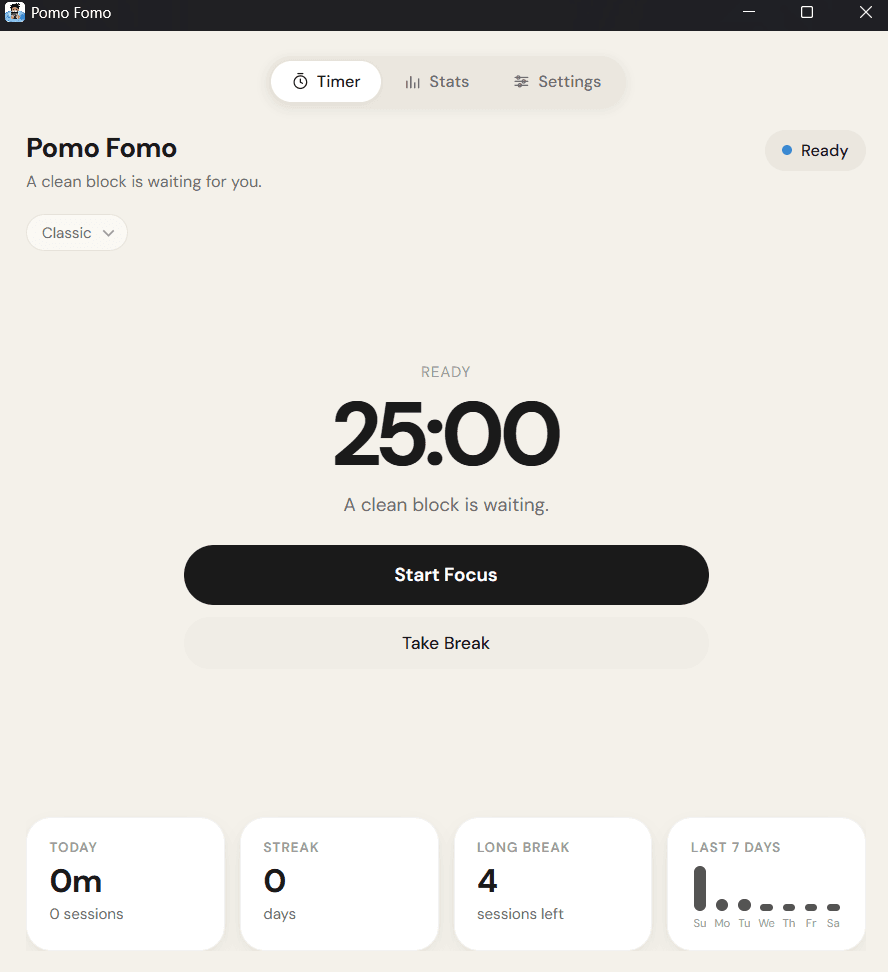
Built for getting back to the work
It's a timer, not another to-do app. Always-visible countdown, a bright minimal focus view, and just the features that matter.
Stay in flow
Tray countdown and quiet controls keep the rhythm nearby without another tab or phone distraction.
Keep it yours
Presets, shortcuts, and history stay local. Nothing leaves your machine.
Start quickly
Pick Classic, Deep Work, or Sprint and start a clean block in seconds.
Go deeper only when wanted
Insights and charts are there when you want them — not as another productivity system to maintain.
Tray countdown
Phase and remaining time in the system tray, with a compact popover for quick control.
Clean break rhythm
Short breaks and long breaks after a set number of focus sessions, without cluttered ceremony.
Private focus history
Daily charts and streaks that help you see the week — stored only on your PC.
Always in sight
Your timer, still in the tray
Keep the countdown in the Windows system tray. Left-click opens a compact popover; right-click gives you quick controls without another window fighting for focus.
Clean rhythm
Stay in the flow when the phase changes
Move from focus into short and long breaks with a calm UI. Honest sessions still save elapsed time if you pause or end early — nothing forced, nothing lost.
Private insights
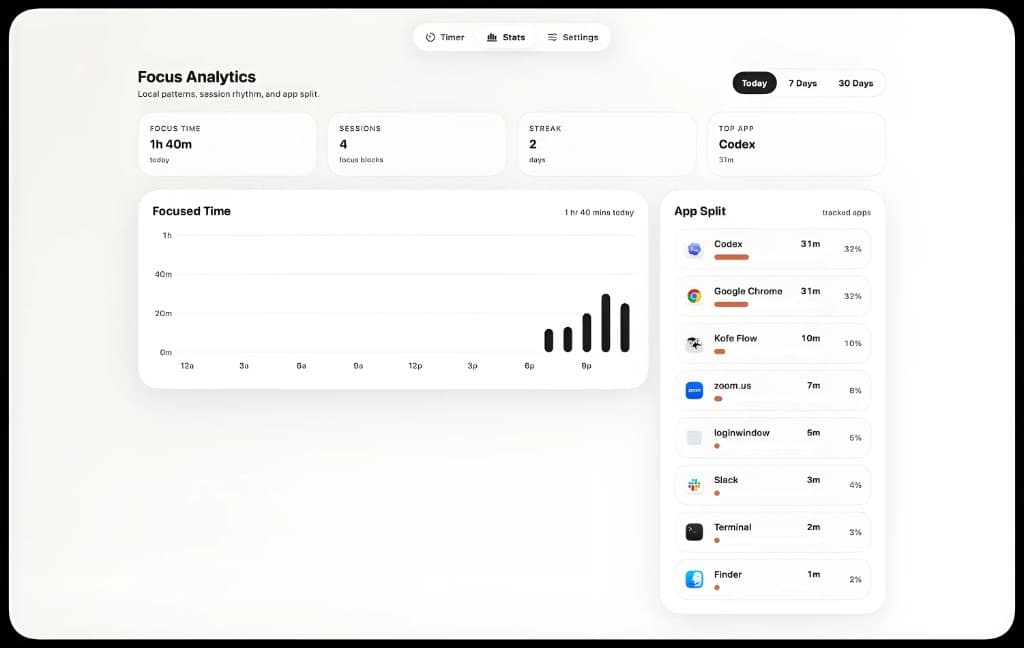
See where the block went
Hours this week, day streak, and daily charts live on your PC. Insights help you understand your focus rhythm without sending the day off your machine.
Appearance
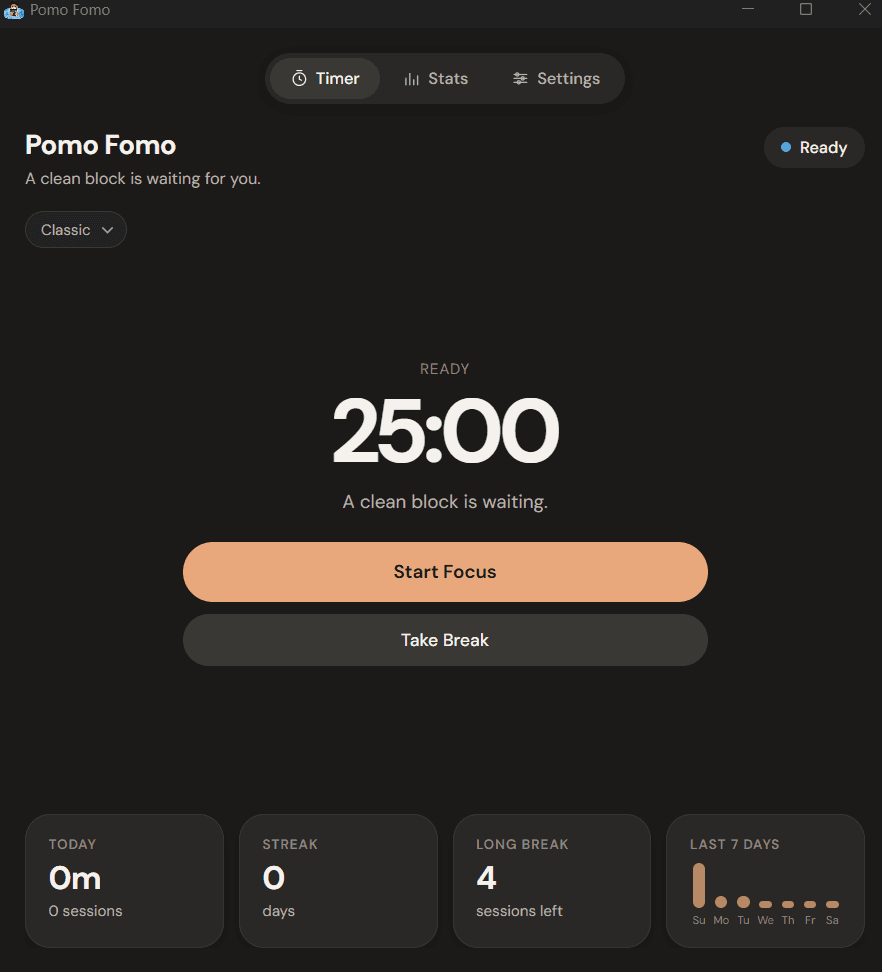
Light or dark, still calm
Warm cream light mode and a soft peach accent in dark mode — the same quiet look as the desktop app, built for long sessions instead of loud productivity chrome.
Details
And the useful details
A small set of native Windows habits — not another bloated productivity suite.
Live tray countdown
Tooltip shows phase and remaining time so you never lose the block.
Savable presets
Classic 25·5·15, Deep Work 50·10·25, Sprint 15·3·12, plus custom rhythms.
Global shortcuts
Ctrl+Alt+P start/pause, K skip, R reset, O show window.
Tray-friendly
Minimize to tray on close, open at login, and keep the window on top when you want.
Local-only history
Settings and session history stay in %LOCALAPPDATA%\PomoFomo\.
Lightweight native shell
Built with Tauri (Rust) for a small Windows installer and a clean focus view.
FAQ
Pomodoro timer for Windows FAQ
Does Pomo Fomo collect analytics?
No. Focus history and settings stay on your PC. There is no account and no app tracking.
Is there a Pro plan or subscription?
No. Download the Windows installer from GitHub Releases — it is free, with no in-app purchase wall.
Where is my data stored?
Locally under %LOCALAPPDATA%\PomoFomo\ as settings.json and history.json.
What platforms are supported?
Windows. Pomo Fomo is built as a native tray-first desktop app for Windows.